
Integration
CyntrixOne + QuickBooks Online
Run your shop floor, inventory, purchasing and sales in CyntrixOne, and keep your books in QuickBooks Online. Invoices, bills and the stock value of your inventory flow to QuickBooks automatically, so your accountant keeps working where they already work.
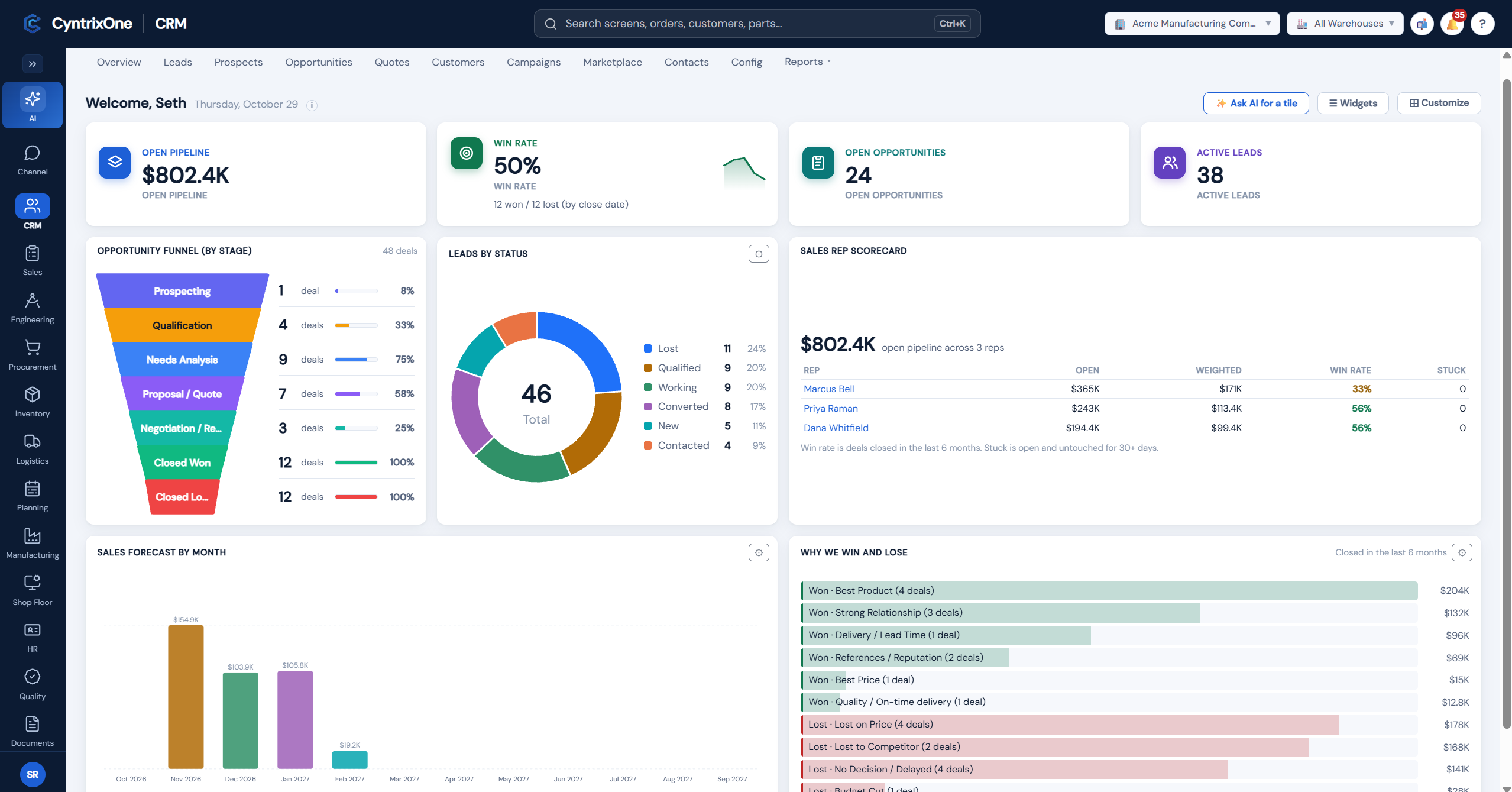
An ERP built for manufacturers and distributors
CyntrixOne brings quoting, sales orders, purchasing, inventory, production scheduling, the shop floor, quality and shipping into one system. It's built for independent manufacturers and distributors that have outgrown spreadsheets and add-on apps, but don't want to give up QuickBooks.
What stays in sync
Customer invoices
Sales invoices you create in CyntrixOne appear in QuickBooks as invoices.
Supplier bills
Supplier bills you approve in CyntrixOne appear in QuickBooks as bills.
Payments
When an invoice or bill is paid in QuickBooks, CyntrixOne shows it as paid.
Inventory value
Stock received, used in production and shipped is posted to QuickBooks as journal entries, so your balance sheet carries the right inventory value.
Customers and suppliers
Bring your existing customers, suppliers and payment terms in from QuickBooks, and keep new ones in step.
Month-end check
CyntrixOne compares its receivables, payables and inventory with QuickBooks, so differences show up before you close the month.
Each posting is sent once and only once. If QuickBooks turns one down, it waits in a list for you to fix, rather than being lost or sent twice.
Connecting takes a few minutes
- 1
Sign in to CyntrixOne as a company administrator.
- 2
Open Admin, then Integrations, then QuickBooks Online.
- 3
Select Connect to QuickBooks, sign in with your Intuit account, and choose your QuickBooks Online company.
- 4
Confirm the company, then match your QuickBooks accounts to CyntrixOne (for example, which account is your inventory and which is your sales income). CyntrixOne suggests the matches for you.
- 5
That's it. New invoices, bills and inventory postings start flowing to QuickBooks.
To disconnect, open the same page and select Disconnect from QuickBooks. Nothing already in QuickBooks or CyntrixOne is changed or deleted. You can connect again at any time.
Questions
See it with your own numbers
Pricing
QuickBooks Online integration is included in every plan: Essentials $39 USD, Professional $59 USD, and Enterprise $79 USD, per user per month. See /pricing for details.